Brand assets
Prow logo files for press, partners and social media: app icon, glyph and wordmark lockups in SVG and PNG, the brand colours and the few rules for using them.
Use these files when you write about Prow, list it as a venue partner or set up a social profile. No need to ask first. Do not redraw the mark, change its colours or add effects.
Profile picture
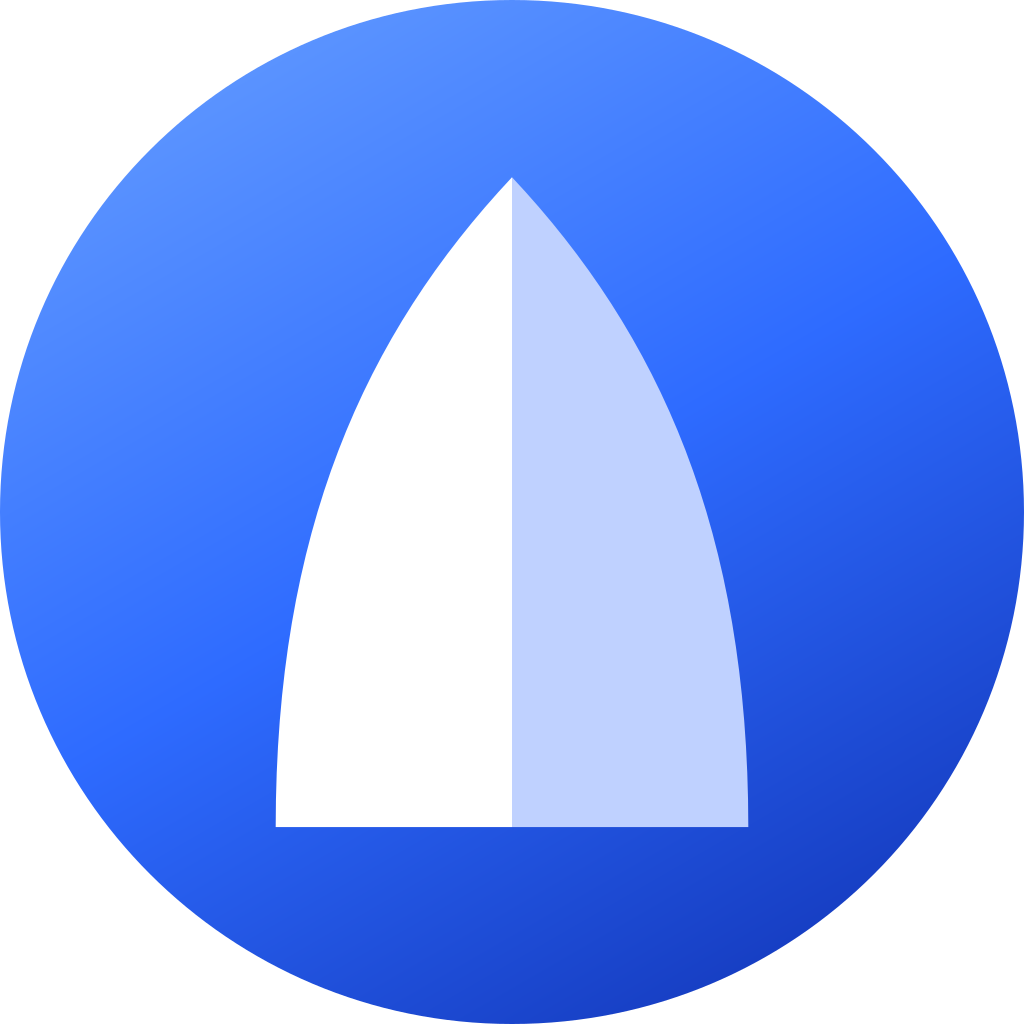
For Instagram, X, Telegram, YouTube and any other place that crops the picture to a circle: the glyph on the gradient filling the whole square, so the circle is blue edge to edge. The rounded app icon looks wrong there (white corners).
| File | Use |
|---|---|
| prow-avatar-1024.png | Upload this one; the platform crops the circle |
| prow-avatar-2048.png | Same, larger |
| prow-avatar-circle-1024.png | Already round, transparent outside |
| prow-avatar.svg | Vector, full-bleed square |
App icon
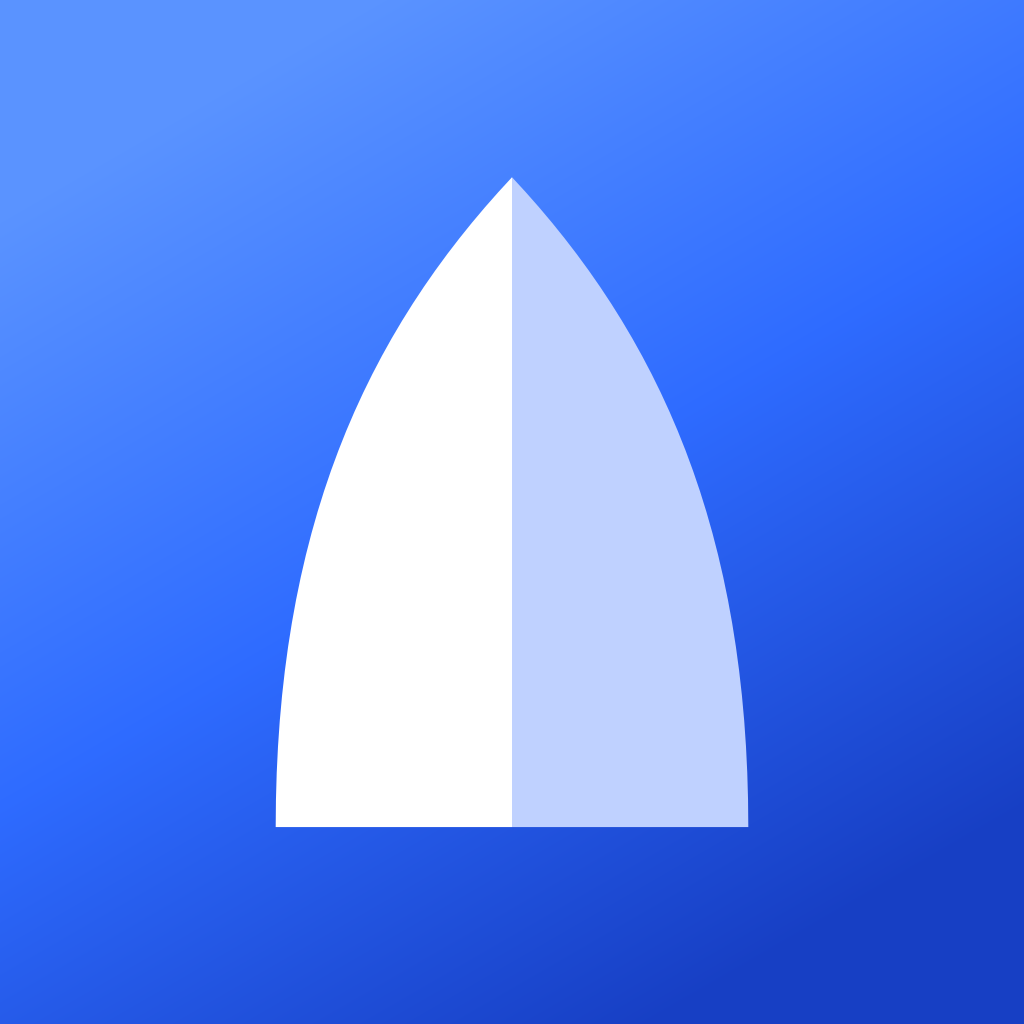
The bow glyph on the brand gradient with rounded corners: app stores, the PWA, listings that show a square icon on their own background. The corners are transparent.
| File | Use |
|---|---|
| prow-app-icon.svg | Vector, any size |
| prow-app-icon-2048.png | Print, large placements |
| prow-app-icon-1024.png | App stores, listings |
| prow-app-icon-512.png | Web, thumbnails |

Lockup
Icon and wordmark together. Pick the one that matches the background.
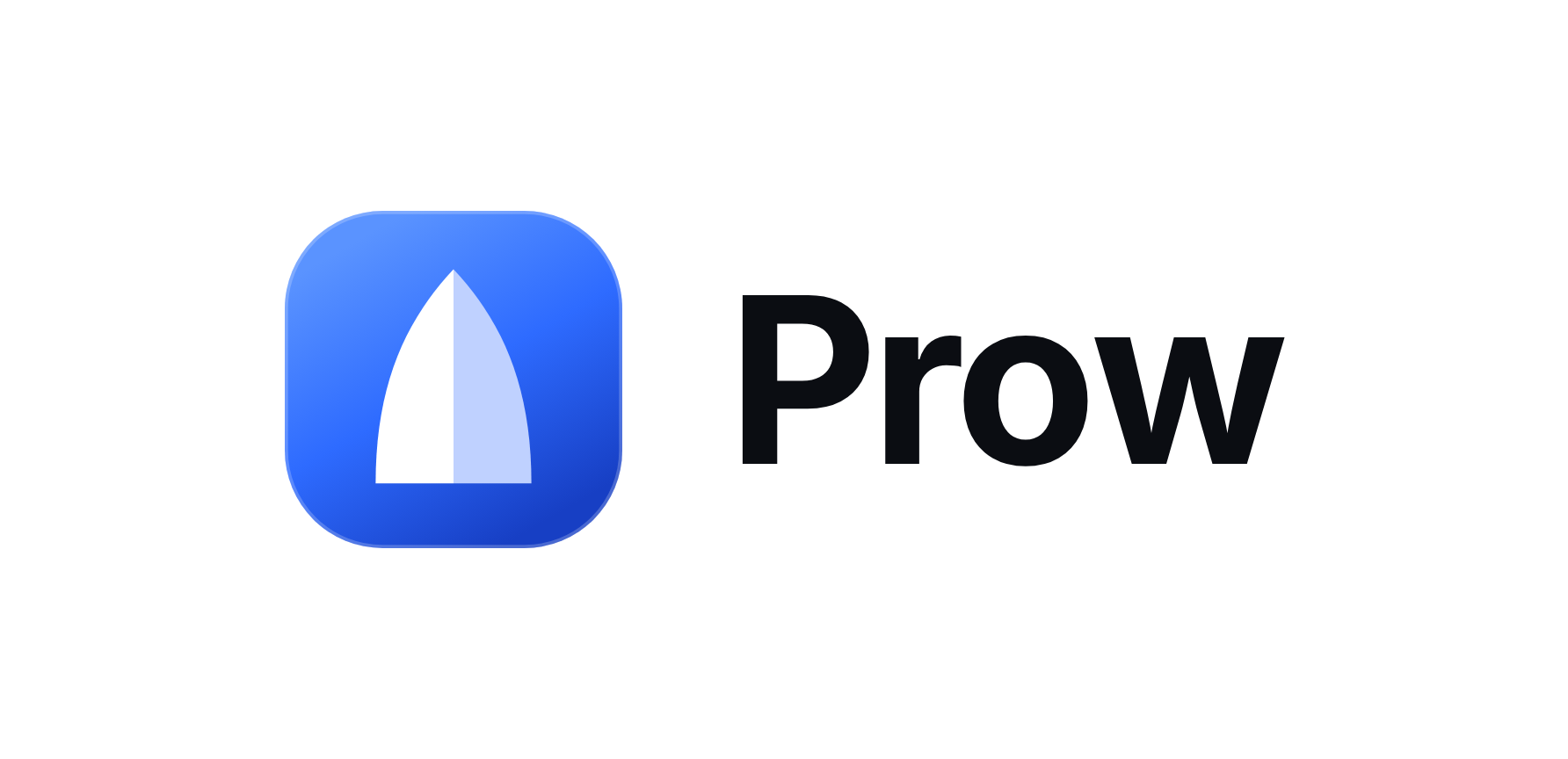
| File | Background |
|---|---|
| prow-lockup-light.png | White or light |
| prow-lockup-dark.png | Black or dark |
The wordmark is set in Inter Bold with tight tracking. Write the name as "Prow", never "PROW" or "prow".
Glyph
The bow alone, without the gradient tile, for watermarks, favicons on coloured backgrounds and places where the tile would be too heavy.
| File | Use |
|---|---|
| prow-glyph.svg | Blue, vector |
| prow-glyph-blue-1024.png | Blue, transparent background |
| prow-glyph-white.svg | White, vector, for dark backgrounds |
| prow-glyph-white-1024.png | White, transparent background |



Colours
| Name | Hex | Where |
|---|---|---|
| Prow blue | #2E6BFF | Links, the active menu item, unread badges, the glyph |
| Blue light | #5A93FF | Gradient start, blue on dark backgrounds |
| Blue deep | #173FC4 | Gradient end |
| Ink | #0B0D12 | Text and primary buttons on light backgrounds |
| Paper | #FFFFFF | Light background |
| Night | #0A0B0D | Dark background |
The app icon gradient runs from Blue light at the top left to Blue deep at the bottom right.
Rules
- Keep clear space around the lockup at least the height of the icon on every side.
- Minimum sizes: icon 16 px, lockup 24 px tall.
- Do not stretch, rotate, outline, recolour or put the mark on a busy photo.
- Do not pair the glyph with another company's mark in one lockup; place the two logos side by side with equal clear space instead.
- Prow is a non-custodial trading app. Do not describe it as an exchange, a wallet or a fund.
Tag Prow
When you post about Prow, tag @prowdexcom on X and @prow.dex on Instagram.
Questions
Write to support@prowdex.com. For a format that is not here, say where it will be used and we will add it.
Last updated